Workflows Page
Route: /workflows — Source: ui/src/pages/WorkflowsPage.tsx
Workflows are directed graphs that take an image or video frame and produce annotations, alerts, or transformed pixels. The page lists your saved workflows and lets you launch the editor on any of them.
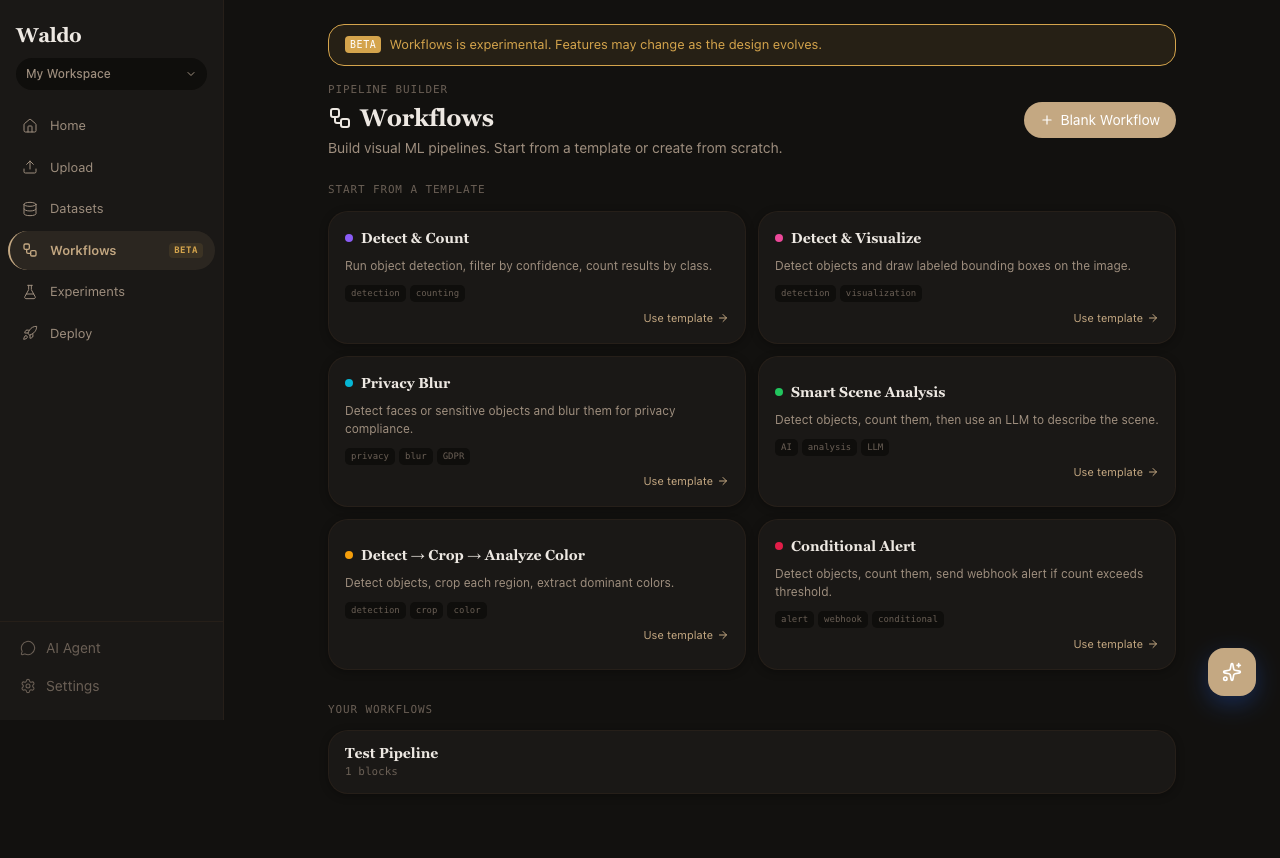
Listing page
- Browse saved workflows in the active workspace
- Filter by name or tag
- Open in the editor or duplicate
- Promote a workflow to a serve endpoint (
POST /api/v1/workflows/saved/{slug}/deploy)
Editor
Route: /workflows/new or /workflows/:id — Source: ui/src/pages/WorkflowEditorPage.tsx
The editor is built on @xyflow/react — drag blocks from the left palette onto the canvas, wire ports together, configure parameters in the right drawer.
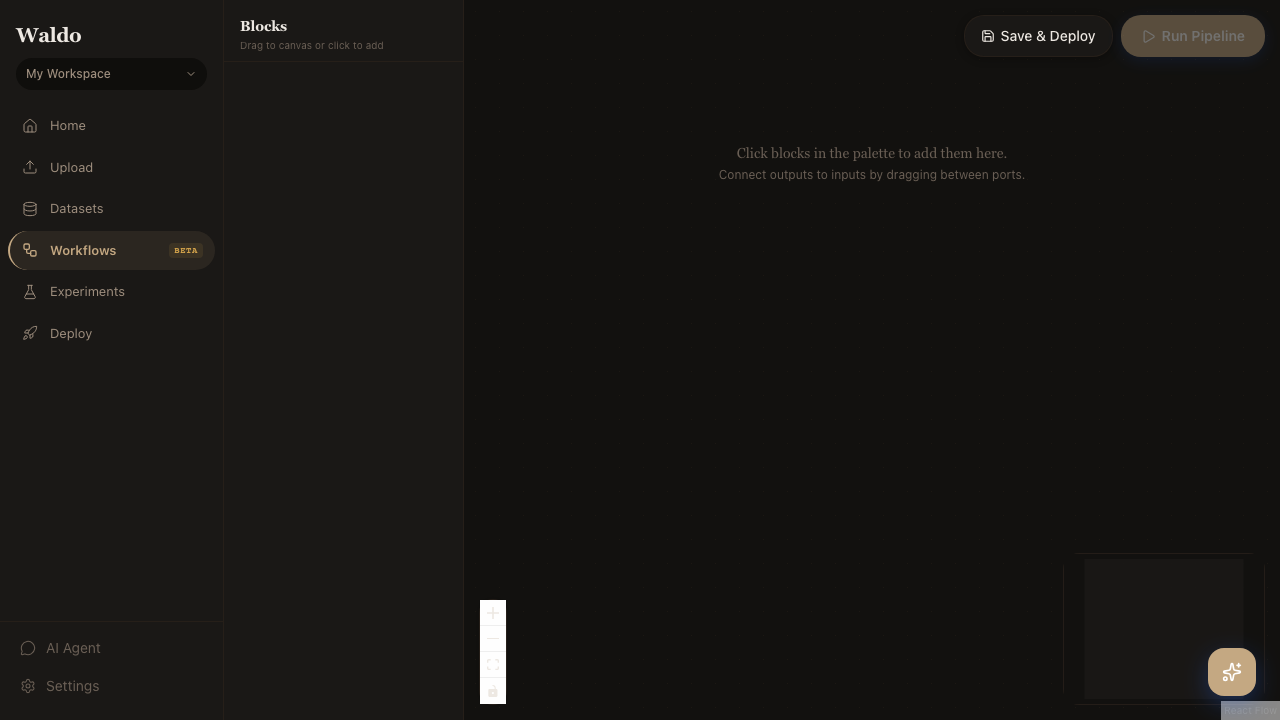
Block palette
The palette is populated from GET /api/v1/workflows/blocks, so any new block class registered server-side appears automatically. Blocks are grouped by category — see Workflow Blocks for the full catalog.
Port types
Edges are typed. The editor refuses connections where the upstream output type doesn't match the downstream input type — no silent runtime errors. Common types:
image: ndarray (H, W, 3)detections: list[Detection]masks: list[Mask]text: strbool,int,float
Run inline
The toolbar Run button executes the graph against a sample input (drag in an image or pick from your dataset). Block outputs render in the right drawer so you can debug without leaving the editor.
Save and deploy
Save assigns a slug. Deploy publishes the workflow to /api/v1/workflows/serve/{slug} so you can call it like any other endpoint.